

Console War Giant cheat table. Developer by Pok&Co,
Publisher by Pok&Co.
Game Description: Console War Giant : A Turn-Based Tycoon hands you a fledgling console manufacturer and asks you to grow it by designing hardware, winning components at auction and signing games for your platform until your rivals can be taken over.
Editing the Books of a Console Maker
In a tycoon the real health bar is the bank balance, and Console War Giant is no exception. Sales refill it, auction bids drain it, and on top of that you answer to a Board of Directors with goals of its own. A Cheat Engine table for a game like this would mainly point at that economy: company money first, then figures such as research progress or component stock if the game keeps them as plain numbers. The appeal is freedom to experiment, for example bidding high in every auction just to see where an aggressive supply strategy leads, without one bad gamble wrecking the company.
Phases make address hunting relaxed. A turn only moves forward when you tell it to, so you can spend a little, rescan for the new figure and repeat at your own pace. If money is displayed in rounded form, an exact-value scan may miss it; starting with an unknown initial value and narrowing down with increased or decreased scans is the usual fallback.
Restraint pays off as well. A balance pushed to an absurd figure can make auctions and board objectives trivial, and a broken value saved early can follow your company for the rest of the campaign. Small, deliberate edits keep the strategy intact.
How to use Console War Giant Cheat Table?
- Install Cheat Engine from its official website.
- Launch Console War Giant, load the company you want to edit and save it; the game lets you save at any point.
- Copy that save to a separate folder so you can restore it if an edit goes wrong.
- In Cheat Engine, click the computer icon, pick the game’s process from the list and open the table.
- Tick the entries you want, enter new values and confirm the change in-game before ending the turn.

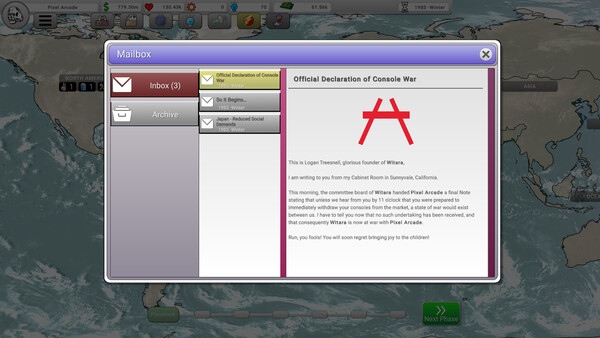
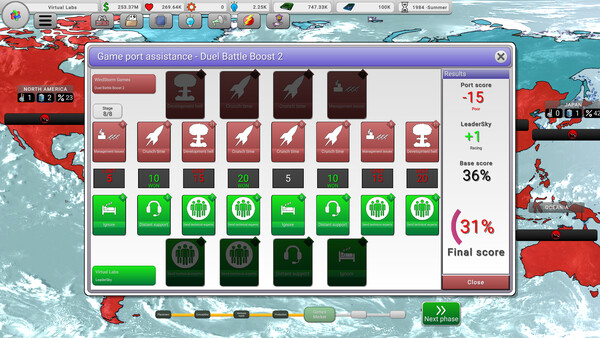
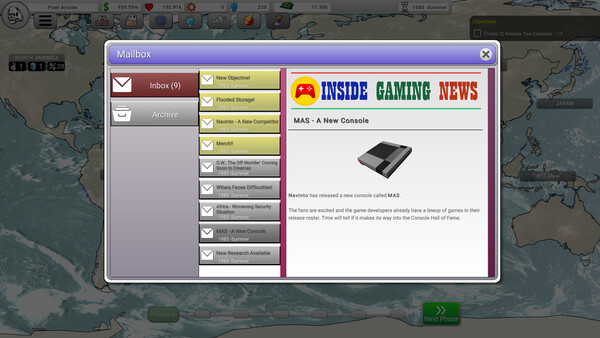
Specs, Languages and Achievements
The Steam launch came on November 2, 2026 at $14.99, with builds for Windows and Linux. The minimum PC is undemanding: 4 GB of RAM, integrated graphics, 1 GB of disk space and a 2 GHz, 2 CPU processor on 64-bit Windows 10 21H1 (build 19043) or newer, with 6 GB of RAM and 4 CPU recommended; Linux players need Ubuntu 22.04 or later. It is a single-player game with 55 Steam achievements and 16 supported languages. Adjustable difficulty, saving at any time, partial controller support (DualShock and DualSense included) and a mouse-only option round out the feature list.
Illustrative diagram of the Cheat Engine workflow. Cheat tables are for single-player / offline use only.
Console War Giant Trainer
Looking for a Console War Giant trainer? A cheat table does the same job. Load the .CT file in Cheat Engine to enable single-player cheats — god mode, unlimited health, resources and more — exactly like a standalone Console War Giant trainer. No separate .exe trainer is needed; the Console War Giant cheat table provides the same options for the PC version. Use it in single-player / offline only.
Console War Giant Cheat Table — FAQ
Is the Console War Giant cheat table safe?
Cheat Engine and its tables edit game memory locally and are widely used for single-player games. Antivirus tools may show a false positive because memory-editing resembles what some malware does — this is expected. Only download from sources you trust, and use tables in single-player / offline play.
How do I load a .CT file in Cheat Engine?
Open Cheat Engine, click the folder/open-table icon, select the downloaded .CT file, then attach it to the Console War Giant process. Tick the cheats you want and use the listed hotkeys in-game.
Does the Console War Giant cheat table work on the latest version?
Cheat tables target a specific game build, so a big patch can break some options until the table is updated. Check the "Updated" date in the file information, and back up your saves before use.
Will I get banned for using it?
Use cheat tables in single-player / offline only. Do not use them in online or multiplayer modes — that can violate a game’s terms and lead to a ban.