

Outlast cheat table. Developer by Red Barrels,
Publisher by Red Barrels.
Game Description: First-person survival horror. As journalist Miles Upshur you explore Mount Massive Asylum with nothing but a video camera, and you can’t fight back. Run, hide and survive long enough to find out what the Murkoff Corporation is doing there.
What a Table Is Good for in Outlast
Outlast is built on scarcity and helplessness. Night vision drains your camera’s batteries, you can only take a few hits, and enemies chase you through the asylum. The usual values people look for in a table are battery charge, health, and movement speed, and on a replay a table also makes it easy to stop and actually look at the levels you ran through the first time.
It’s a 2013 game that hasn’t changed in years, so the main game version is stable and table entries tend to keep working. If you have the Whistleblower DLC, check that the entries also apply there.
How to use Outlast Cheat Table?
- Install the latest Cheat Engine.
- Start Outlast and load a chapter.
- Open the
.CTfile and attach it toOLGame.exe. - Enable the entries you want. Battery values update on the next pickup or when you toggle night vision.
- Back up your save first; it syncs through Steam Cloud.
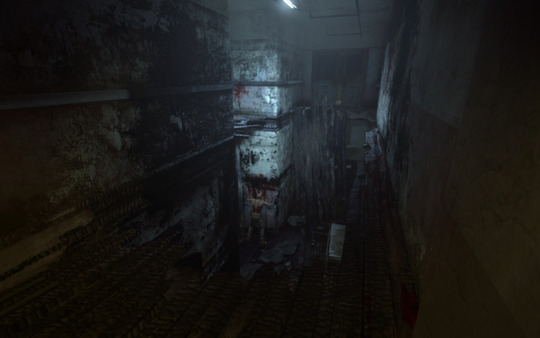
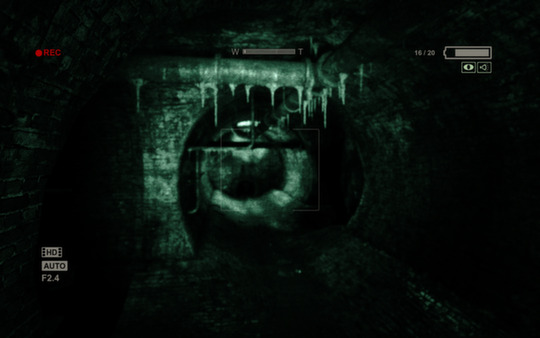
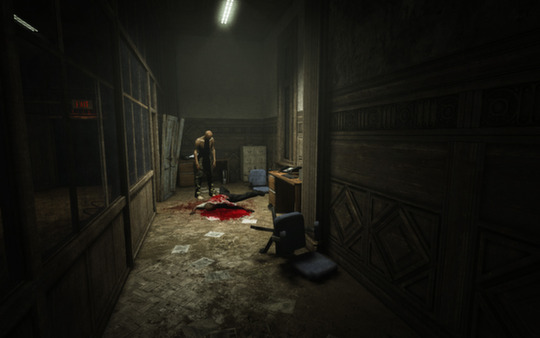
About the Game
Mount Massive Asylum, high in the Colorado mountains, was reopened in secret by Murkoff. Outlast’s stealth and parkour-style movement, unpredictable enemies and setting inspired by real asylums earned it a Metacritic score of 80 and over 100,000 Steam reviews. It contains intense violence, gore and disturbing content. It runs on a 2.2 GHz dual-core, 2 GB of RAM and a 512 MB card.
Illustrative diagram of the Cheat Engine workflow. Cheat tables are for single-player / offline use only.
Outlast Trainer
Looking for a Outlast trainer? A cheat table does the same job. Load the .CT file in Cheat Engine to enable single-player cheats — god mode, unlimited health, resources and more — exactly like a standalone Outlast trainer. No separate .exe trainer is needed; the Outlast cheat table provides the same options for the PC version. Use it in single-player / offline only.
Outlast Cheat Table — FAQ
Is the Outlast cheat table safe?
Cheat Engine and its tables edit game memory locally and are widely used for single-player games. Antivirus tools may show a false positive because memory-editing resembles what some malware does — this is expected. Only download from sources you trust, and use tables in single-player / offline play.
How do I load a .CT file in Cheat Engine?
Open Cheat Engine, click the folder/open-table icon, select the downloaded .CT file, then attach it to the Outlast process. Tick the cheats you want and use the listed hotkeys in-game.
Does the Outlast cheat table work on the latest version?
Cheat tables target a specific game build, so a big patch can break some options until the table is updated. Check the "Updated" date in the file information, and back up your saves before use.
Will I get banned for using it?
Use cheat tables in single-player / offline only. Do not use them in online or multiplayer modes — that can violate a game’s terms and lead to a ban.