

Farthest Frontier cheat table have +20 options.
Developer by Crate Entertainment,
Publisher by Crate Entertainment.
Game Description: Protect and guide your people as you forge a town from untamed wilderness at the edge of the known world. Harvest raw materials, hunt, fish and farm to survive. Produce crafted items to trade, consume, equip and fight with as you battle for your survival against the elements and outside threats.
How to use Farthest Frontier Cheat Table?
1. Install Cheat Engine: Start by installing Cheat Engine on your computer.
2. Open the Cheat Table File: Double-click the .CT file to load it into Cheat Engine.
3. Select the Game Process: Click the computer icon in Cheat Engine and choose your game from the list.
4. Activate Cheat Engine Options: Enable the trainer’s features by checking the boxes or adjusting the values from 0 to 1.
Quick Tip: Always run Cheat Engine as an administrator to ensure all features work correctly.
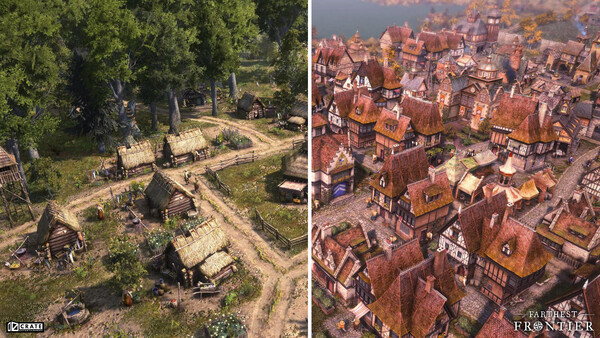
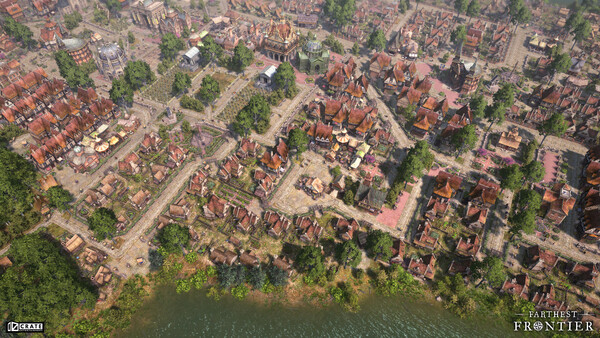
Farthest Frontier Cheat Engine Options
Packed with powerful options, this cheat table is your go-to tool for gaining the upper hand in any game version. With regular updates, it’s always ready to tackle the latest challenges.
Just hit F6, and you’re ready to go. The cheat table’s straightforward design ensures you spend more time playing and less time configuring. Experience a new level of gameplay with this cheat table, featuring a carefully selected set of functions that enhance every aspect of your game.
To maximize your experience, make sure to be aware that antivirus software may show a false positive. Regular updates are just a click away, so stay tuned!
Enjoy a hassle-free setup and dive into your game with confidence.
Tip: Backup your game saves before using the cheat table, just in case.
Illustrative diagram of the Cheat Engine workflow. Cheat tables are for single-player / offline use only.
Farthest Frontier Trainer
Looking for a Farthest Frontier trainer? A cheat table does the same job. Load the .CT file in Cheat Engine to enable single-player cheats — god mode, unlimited health, resources and more — exactly like a standalone Farthest Frontier trainer. No separate .exe trainer is needed; the Farthest Frontier cheat table provides the same options for the PC version. Use it in single-player / offline only.
Farthest Frontier Cheat Table — FAQ
Is the Farthest Frontier cheat table safe?
Cheat Engine and its tables edit game memory locally and are widely used for single-player games. Antivirus tools may show a false positive because memory-editing resembles what some malware does — this is expected. Only download from sources you trust, and use tables in single-player / offline play.
How do I load a .CT file in Cheat Engine?
Open Cheat Engine, click the folder/open-table icon, select the downloaded .CT file, then attach it to the Farthest Frontier process. Tick the cheats you want and use the listed hotkeys in-game.
Does the Farthest Frontier cheat table work on the latest version?
Cheat tables target a specific game build, so a big patch can break some options until the table is updated. Check the "Updated" date in the file information, and back up your saves before use.
Will I get banned for using it?
Use cheat tables in single-player / offline only. Do not use them in online or multiplayer modes — that can violate a game’s terms and lead to a ban.