

Asleep: Act 1 cheat table. Developer by Black Hole Games,
Publisher by CriticalLeap.
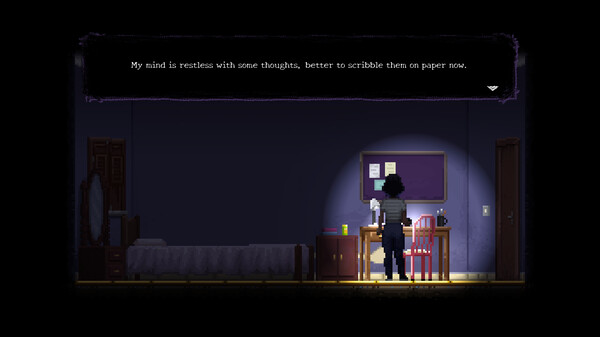
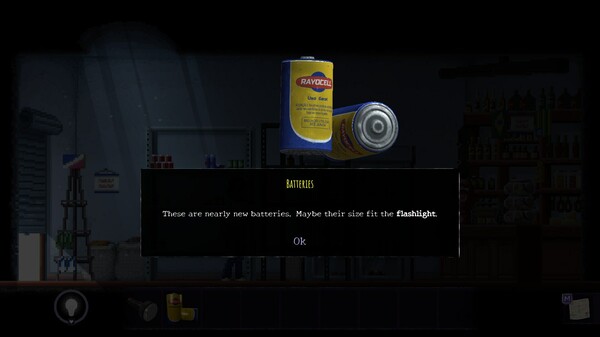
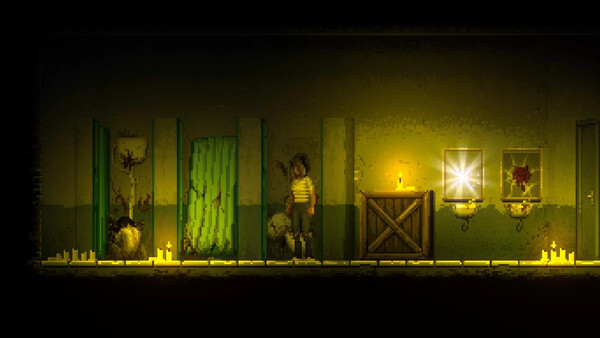
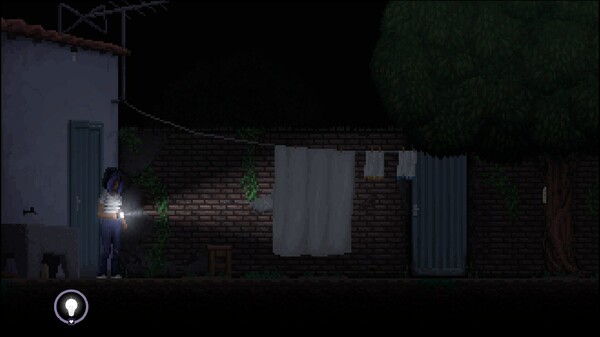
Game Description: A 2D pixel-art horror adventure about Ana Lúcia, a girl caught between her nightmares and a disturbing reality in 1990s northeastern Brazil. Light is her main tool for finding the way forward and for dealing with the creatures in the dark.
Finding Sanity and Other Values
A Cheat Engine table is a saved list of addresses and scripts. For Asleep: Act 1, the entry with the most practical use would pin Ana Lúcia’s sanity at its current level. Darkness is what wears that value down, which is exactly the pressure a freeze removes.
If sanity has no visible number on screen, a search for it usually begins with an Unknown initial value scan. Let her linger somewhere dark, scan for Decreased value, and repeat until only a handful of results remain; if 4 Bytes finds nothing, try Float. Tables for 2D games like this one often add player coordinates, which let you reposition Ana Lúcia when a jump goes badly, while Cheat Engine’s built-in speedhack covers slowing the whole game down. Making monsters ignore her is a harder job, because that behavior tends to live in game code rather than in a single value.
Nothing in the Steam listing points to online play, so edits on a single-player game like this usually stay on your own PC. The save is what needs protecting. Story choices and the collectibles that unlock secret memories are progress you don’t want overwritten by a bad value, and addresses found on one build may point elsewhere once the game is patched.
How to use Asleep: Act 1 Cheat Table?
- Install Cheat Engine, then copy your Asleep: Act 1 save files to a separate folder before you change anything.
- Start the game and load a save. Values like sanity generally exist in memory only once you are in a scene, not on the title screen.
- In Cheat Engine, click the computer icon at the top left and pick the game’s process from the list.
- Open a .CT table from the File menu if you have one, or add the addresses your scans turned up. Tick the box beside an entry to freeze it, or type a new number into its value field.
- Untick every entry when you finish, and hold on to the backup until the edited save loads without trouble.
Specs, Languages and Achievements
The Windows minimum is modest: a 64-bit Windows 7 machine with an Intel Core i3 M380, 1 GB of RAM, Intel HD 4000 graphics and DirectX 10, plus 1 GB of storage (2 GB recommended). The game also runs on macOS and Linux, fully supports controllers and has 25 Steam achievements. Of the five supported languages, only English and Brazilian Portuguese have full audio; the other three are Spanish, French and Simplified Chinese. Play is single-player only, and the Portuguese title, Asleep: Ato 1, appears in the trailer names on the store page.
Illustrative diagram of the Cheat Engine workflow. Cheat tables are for single-player / offline use only.
Asleep: Act 1 Trainer
Looking for a Asleep: Act 1 trainer? A cheat table does the same job. Load the .CT file in Cheat Engine to enable single-player cheats — god mode, unlimited health, resources and more — exactly like a standalone Asleep: Act 1 trainer. No separate .exe trainer is needed; the Asleep: Act 1 cheat table provides the same options for the PC version. Use it in single-player / offline only.
Asleep: Act 1 Cheat Table — FAQ
Is the Asleep: Act 1 cheat table safe?
Cheat Engine and its tables edit game memory locally and are widely used for single-player games. Antivirus tools may show a false positive because memory-editing resembles what some malware does — this is expected. Only download from sources you trust, and use tables in single-player / offline play.
How do I load a .CT file in Cheat Engine?
Open Cheat Engine, click the folder/open-table icon, select the downloaded .CT file, then attach it to the Asleep: Act 1 process. Tick the cheats you want and use the listed hotkeys in-game.
Does the Asleep: Act 1 cheat table work on the latest version?
Cheat tables target a specific game build, so a big patch can break some options until the table is updated. Check the "Updated" date in the file information, and back up your saves before use.
Will I get banned for using it?
Use cheat tables in single-player / offline only. Do not use them in online or multiplayer modes — that can violate a game’s terms and lead to a ban.