

Over the Hill cheat table. Developer by Funselektor Labs Inc.,
Publisher by Funselektor Labs Inc.
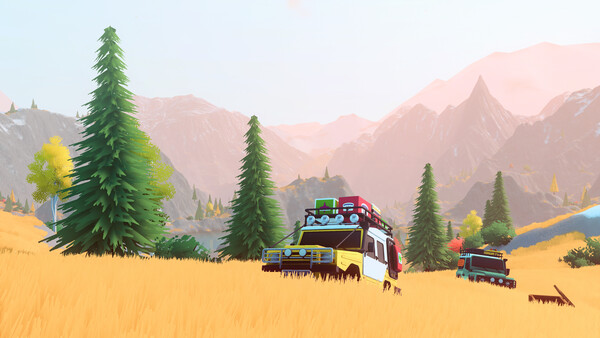
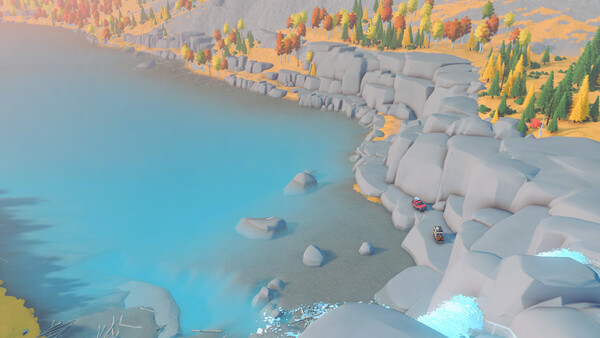
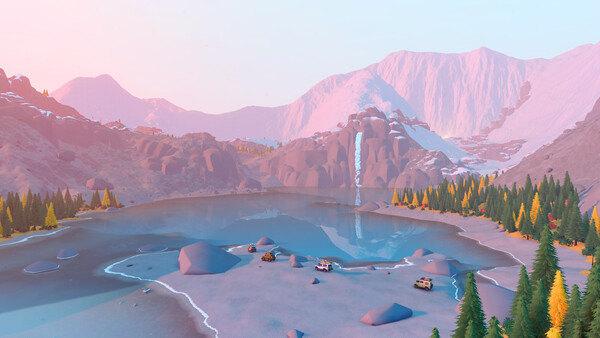
Game Description: An off-road driving game from the studio behind art of rally. You take classic 4x4s from the 60s, 70s and 80s into the wilderness, alone or with up to three friends, and work your way across valleys, lakesides, forests and mountain trails.
What a Table Is Useful for in Over the Hill
Over the Hill (Funselektor writes it all lowercase) came out on October 14, 2026, and it’s upfront about what it is: a driving game, not a racing game. There’s no lap timer to beat and nobody to push off the road. The challenge is the terrain. You lay planks across gaps, winch the truck out when it gets stuck, and decide what gear to take along before you head out.
That changes what’s worth cheating. Top speed barely matters here. The values people usually go after in a game like this are the ones that slow exploration down: vehicle damage, your supply of planks and other gear, and whatever you’d spend at merchants and cabins on paint, accessories and other cosmetics. Which of those a given table exposes depends on the table version, so check the entry list once it’s attached.
Use tables in solo sessions. In co-op you share the world with up to three other players, and memory edits can desync the session or spoil it for everyone else.
How to use Over the Hill Cheat Table?
- Install the latest Cheat Engine from the official site.
- Start Over the Hill and load into the world, not just the main menu.
- Open the
.CTfile. Cheat Engine will offer to attach to the running game; if it doesn’t, click the computer icon and pick the game process from the list. - Tick the entries you want. Many values only update after the related item is used in-game, so drive a little or use a piece of gear once to trigger them.
- Save before switching anything on, and back up your save folder if you plan to edit money or items.

Over the Hill System Requirements
Minimum: Windows 10 64-bit, Intel Core i5-7400 or AMD Ryzen 5 2600, 8 GB RAM, Nvidia GTX 1070 or AMD Radeon RX 5600, DirectX 11 and 4 GB of storage. Funselektor notes the specs were tested at 1080p, and Steam also lists a broadband connection. The game runs on both Windows and Linux.
There’s plenty to do besides driving, too: 62 Steam achievements, remote cabins and viewpoints to find, meteorites and portals to new areas, and a wildlife compendium you fill in by photographing animals with the in-game camera.
Illustrative diagram of the Cheat Engine workflow. Cheat tables are for single-player / offline use only.
Over the Hill Trainer
Looking for a Over the Hill trainer? A cheat table does the same job. Load the .CT file in Cheat Engine to enable single-player cheats — god mode, unlimited health, resources and more — exactly like a standalone Over the Hill trainer. No separate .exe trainer is needed; the Over the Hill cheat table provides the same options for the PC version. Use it in single-player / offline only.
Over the Hill Cheat Table — FAQ
Is the Over the Hill cheat table safe?
Cheat Engine and its tables edit game memory locally and are widely used for single-player games. Antivirus tools may show a false positive because memory-editing resembles what some malware does — this is expected. Only download from sources you trust, and use tables in single-player / offline play.
How do I load a .CT file in Cheat Engine?
Open Cheat Engine, click the folder/open-table icon, select the downloaded .CT file, then attach it to the Over the Hill process. Tick the cheats you want and use the listed hotkeys in-game.
Does the Over the Hill cheat table work on the latest version?
Cheat tables target a specific game build, so a big patch can break some options until the table is updated. Check the "Updated" date in the file information, and back up your saves before use.
Will I get banned for using it?
Use cheat tables in single-player / offline only. Do not use them in online or multiplayer modes — that can violate a game’s terms and lead to a ban.