

ShredDead cheat table. Developer by Weird Penguin Games,
Publisher by Weird Penguin Games.
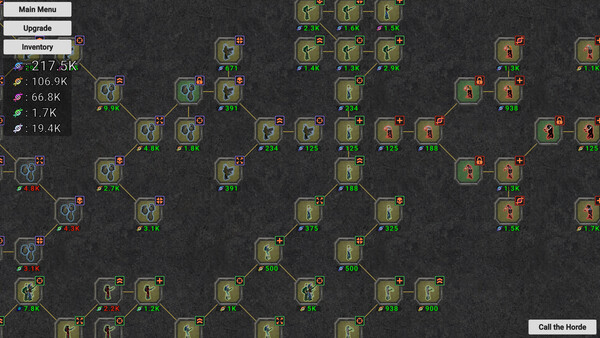
Game Description: A relaxed incremental zombie-shredding game with no lose conditions. Fight endless waves, collect loot, grow a skill tree, equip your grunts and evolve the zombies.
What a Table Is Good for in ShredDead
There’s no fail state in ShredDead, so nobody needs god mode. What people actually look for in a game like this is pace: currency and loot from each wave, skill points for the tree, and game speed. Those are the values that let you rush to the late game or respec into a different branch without replaying the early waves.
The game is single-player and came out on October 26, 2026. Early patches tend to move things around, so check that entries still work after an update.
How to use ShredDead Cheat Table?
- Install the latest Cheat Engine.
- Start ShredDead and load your save.
- Open the
.CTfile and attach it to the game process. - Enable the entries you want. Currency usually updates after the next kill.
- Keep a copy of your save before experimenting.
About the Game
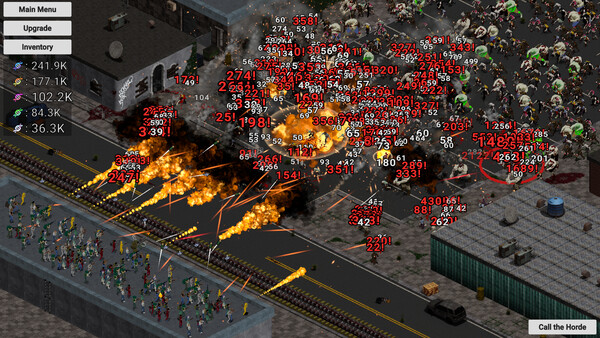
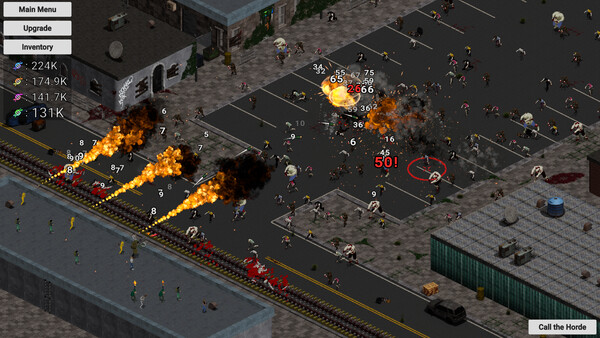
You shoot, burn and blow up the undead, then shred whatever is left with an industrial shredder. Grunts can do the work for you, a mad scientist speeds up zombie evolution, and the loot comes to your doorstep. It has 17 achievements, full controller support and runs on Windows 7 with 4 GB of RAM.
Illustrative diagram of the Cheat Engine workflow. Cheat tables are for single-player / offline use only.
ShredDead Trainer
Looking for a ShredDead trainer? A cheat table does the same job. Load the .CT file in Cheat Engine to enable single-player cheats — god mode, unlimited health, resources and more — exactly like a standalone ShredDead trainer. No separate .exe trainer is needed; the ShredDead cheat table provides the same options for the PC version. Use it in single-player / offline only.
ShredDead Cheat Table — FAQ
Is the ShredDead cheat table safe?
Cheat Engine and its tables edit game memory locally and are widely used for single-player games. Antivirus tools may show a false positive because memory-editing resembles what some malware does — this is expected. Only download from sources you trust, and use tables in single-player / offline play.
How do I load a .CT file in Cheat Engine?
Open Cheat Engine, click the folder/open-table icon, select the downloaded .CT file, then attach it to the ShredDead process. Tick the cheats you want and use the listed hotkeys in-game.
Does the ShredDead cheat table work on the latest version?
Cheat tables target a specific game build, so a big patch can break some options until the table is updated. Check the "Updated" date in the file information, and back up your saves before use.
Will I get banned for using it?
Use cheat tables in single-player / offline only. Do not use them in online or multiplayer modes — that can violate a game’s terms and lead to a ban.