

Developer by Storyan teaM,
Publisher by Storyan teaM.
Game Description: An action-adventure platformer in the metroidvania subgenre. The graphics are made in the style of a checkered notebook and blue ink. Defeat crowds of monsters, overcome traps, explore the game world, unlock new characters and find secrets! And all this to the accompaniment of driving music!
How to use Painted Legend: Knights of Ink & Paper Cheat Table?
1. Install Cheat Engine: Start by installing Cheat Engine on your computer.
2. Open the Cheat Table File: Double-click the .CT file to load it into Cheat Engine.
3. Select the Game Process: Click the computer icon in Cheat Engine and choose your game from the list.
4. Activate Cheat Engine Options: Enable the trainer’s features by checking the boxes or adjusting the values from 0 to 1.
Quick Tip: Always run Cheat Engine as an administrator to ensure all features work correctly.
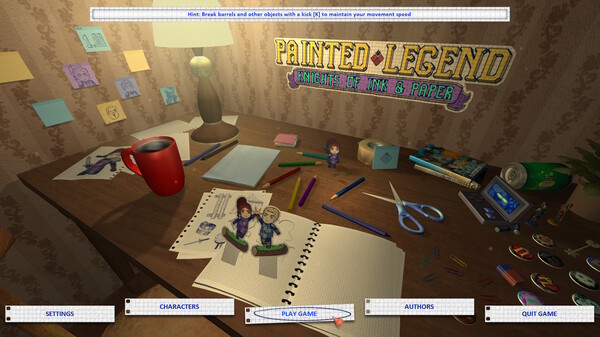
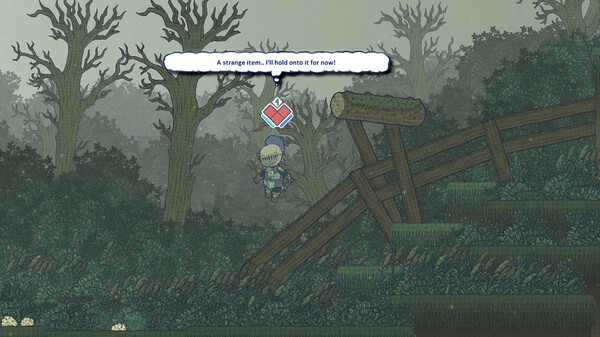
Painted Legend: Knights of Ink & Paper Cheat Engine Options
The cheat table is not just about quantity but quality, offering 5 essential features compatible with any game version. Whether you’re dealing with tricky levels or just want an edge, this table has got you covered.
To get started, update your .NET Framework if needed, and be aware that antivirus software may show a false positive for memory-editing tools like Cheat Engine.
Enjoy a smooth gaming experience with easy-to-use key bindings.
Illustrative diagram of the Cheat Engine workflow. Cheat tables are for single-player / offline use only.
Painted Legend: Knights of Ink & Paper Trainer
Looking for a Painted Legend: Knights of Ink & Paper trainer? A cheat table does the same job. Load the .CT file in Cheat Engine to enable single-player cheats — god mode, unlimited health, resources and more — exactly like a standalone Painted Legend: Knights of Ink & Paper trainer. No separate .exe trainer is needed; the Painted Legend: Knights of Ink & Paper cheat table provides the same options for the PC version. Use it in single-player / offline only.
Painted Legend: Knights of Ink & Paper Cheat Table — FAQ
Is the Painted Legend: Knights of Ink & Paper cheat table safe?
Cheat Engine and its tables edit game memory locally and are widely used for single-player games. Antivirus tools may show a false positive because memory-editing resembles what some malware does — this is expected. Only download from sources you trust, and use tables in single-player / offline play.
How do I load a .CT file in Cheat Engine?
Open Cheat Engine, click the folder/open-table icon, select the downloaded .CT file, then attach it to the Painted Legend: Knights of Ink & Paper process. Tick the cheats you want and use the listed hotkeys in-game.
Does the Painted Legend: Knights of Ink & Paper cheat table work on the latest version?
Cheat tables target a specific game build, so a big patch can break some options until the table is updated. Check the "Updated" date in the file information, and back up your saves before use.
Will I get banned for using it?
Use cheat tables in single-player / offline only. Do not use them in online or multiplayer modes — that can violate a game’s terms and lead to a ban.