
Developer by Innervoid Interactive,
Publisher by Digital Tribe.
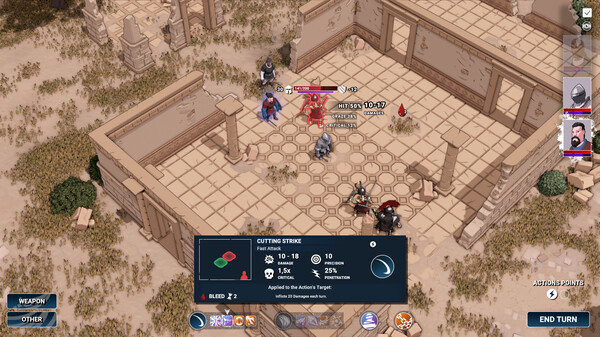
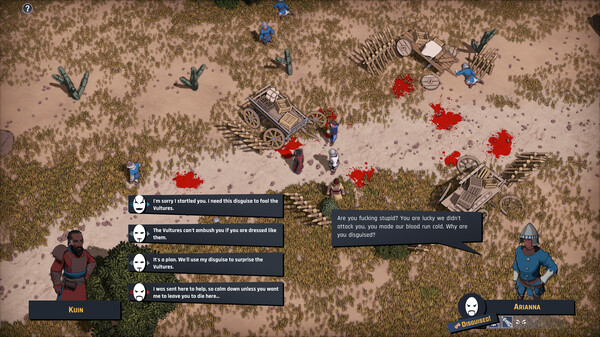
Game Description: Embark on an epic journey, enjoying complete freedom in a dynamic sandbox RPG. The world and its inhabitants will witness your deeds and react accordingly, adapting the narrative to your choices and delivering a truly unique and free experience.
How to use Dustgrave: A Sandbox RPG Cheat Table?
1. Download the Cheat Table: First, grab the table file and copy it to Cheat Engine’s installation folder.
2. Launch Cheat Engine: Open Cheat Engine on your computer.
3. Start the Game: Run the game you want to use the cheat table with.
4. Switch to Cheat Engine: Press Alt+Tab to switch windows and select your game from the process list in Cheat Engine.
5. Load the Cheat Table: Cheat Engine will prompt you to load the associated table. Click Yes.
6. Manual Table Loading: If the table is in a different location, press Ctrl+O and navigate to the folder containing the table file (usually named processname.ct). Then, select the table file.
7. Activate Script: If the table includes a script, simply check the box next to it.
8. Return to Game and Enjoy: Switch back to your game using Alt+Tab and have fun using the cheats!
Pro Tip: Keep Cheat Engine updated to ensure compatibility with the latest games.
Dustgrave: A Sandbox RPG Cheat Engine Options
Load the .CT file in Cheat Engine to see the exact options for your build — the table lists them once it attaches to the game. Table compatibility depends on the game version: if a table will not attach, your game build and the table version most likely differ.
To unleash its full potential, just press F6 and dive into a world of gaming possibilities. It’s that easy!
Best Practice: Run the cheat table as an administrator to avoid any potential issues.
Illustrative diagram of the Cheat Engine workflow. Cheat tables are for single-player / offline use only.
Dustgrave: A Sandbox RPG Trainer
Looking for a Dustgrave: A Sandbox RPG trainer? A cheat table does the same job. Load the .CT file in Cheat Engine to enable single-player cheats — god mode, unlimited health, resources and more — exactly like a standalone Dustgrave: A Sandbox RPG trainer. No separate .exe trainer is needed; the Dustgrave: A Sandbox RPG cheat table provides the same options for the PC version. Use it in single-player / offline only.
Dustgrave: A Sandbox RPG Cheat Table — FAQ
Is the Dustgrave: A Sandbox RPG cheat table safe?
Cheat Engine and its tables edit game memory locally and are widely used for single-player games. Antivirus tools may show a false positive because memory-editing resembles what some malware does — this is expected. Only download from sources you trust, and use tables in single-player / offline play.
How do I load a .CT file in Cheat Engine?
Open Cheat Engine, click the folder/open-table icon, select the downloaded .CT file, then attach it to the Dustgrave: A Sandbox RPG process. Tick the cheats you want and use the listed hotkeys in-game.
Does the Dustgrave: A Sandbox RPG cheat table work on the latest version?
Cheat tables target a specific game build, so a big patch can break some options until the table is updated. Check the "Updated" date in the file information, and back up your saves before use.
Will I get banned for using it?
Use cheat tables in single-player / offline only. Do not use them in online or multiplayer modes — that can violate a game’s terms and lead to a ban.