
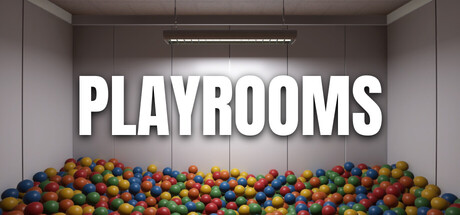
Playrooms cheat table. Developer by Two Pixels UG,
Publisher by Two Pixels UG.
Game Description: Thousands of balls are scattered throughout the playrooms. Someone should put them away, and there's no one here but you. Almost no one.
Illustrative diagram of the Cheat Engine workflow. Cheat tables are for single-player / offline use only.
Playrooms Trainer
Looking for a Playrooms trainer? A cheat table does the same job. Load the .CT file in Cheat Engine to enable single-player cheats — god mode, unlimited health, resources and more — exactly like a standalone Playrooms trainer. No separate .exe trainer is needed; the Playrooms cheat table provides the same options for the PC version. Use it in single-player / offline only.
Playrooms Cheat Table — FAQ
Is the Playrooms cheat table safe?
Cheat Engine and its tables edit game memory locally and are widely used for single-player games. Antivirus tools may show a false positive because memory-editing resembles what some malware does — this is expected. Only download from sources you trust, and use tables in single-player / offline play.
How do I load a .CT file in Cheat Engine?
Open Cheat Engine, click the folder/open-table icon, select the downloaded .CT file, then attach it to the Playrooms process. Tick the cheats you want and use the listed hotkeys in-game.
Does the Playrooms cheat table work on the latest version?
Cheat tables target a specific game build, so a big patch can break some options until the table is updated. Check the "Updated" date in the file information, and back up your saves before use.
Will I get banned for using it?
Use cheat tables in single-player / offline only. Do not use them in online or multiplayer modes — that can violate a game’s terms and lead to a ban.