

Warrior Cats: Clans of the Forest cheat table. Developer by Bamtang Games,
Publisher by Trailmark Games.
Game Description: An adventure RPG based on the Warrior Cats books. You create your own cat, earn your Clan’s favour through quests, and fight turn-based battles across the Lake Territories, from ThunderClan’s forest to WindClan’s moors.
What People Edit in Clans of the Forest
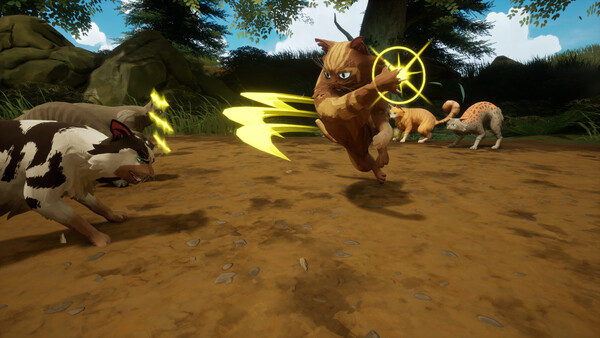
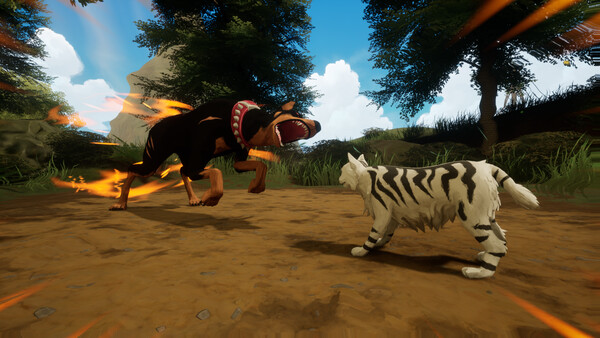
Combat here is turn-based, up to three against three, and progress comes from unlocking new moves (there are 75) and getting stronger over time. That makes the interesting values a little different from an action game. In a turn-based RPG like this, people usually look for health during battles, experience to speed up progression, and crafting materials so they don’t have to forage for every item they make in the den. Which entries a given table has depends on its version.
One caution: Skirmish Mode lets you battle other players’ cats asynchronously online. Keep the table to Prophecy Mode (the story) and Defender Mode, which are single-player.
How to use Warrior Cats: Clans of the Forest Cheat Table?
- Install the latest Cheat Engine.
- Start the game and load your save in Prophecy or Defender Mode.
- Open the
.CTfile and attach it to the game process. - Tick the entries you want. Battle values usually update on the next turn, material counts after you pick something up.
- Back up your save first; it syncs through Steam Cloud.
About the Game
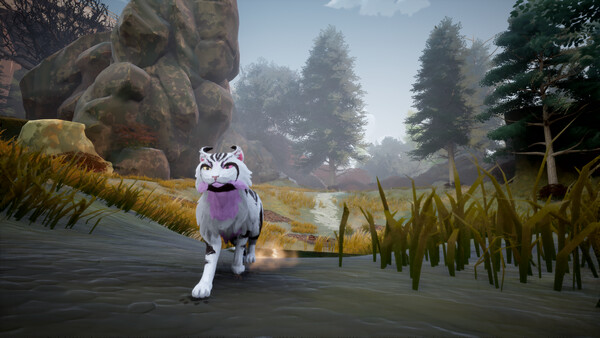
Clans of the Forest released on October 23, 2026. It has an original story told across four Prophecy campaigns, six locations from the books (the four Clan territories, the Moonpool and the Island), nine cats from the series, and enemies from mice up to badgers, foxes and Dobermanns. You can also hunt prey, solve small environmental puzzles and track scents. Minimum specs are a quad-core CPU, 8 GB of RAM, a GTX 1060 or RX 580 and 4 GB of storage.
Illustrative diagram of the Cheat Engine workflow. Cheat tables are for single-player / offline use only.
Warrior Cats: Clans of the Forest Trainer
Looking for a Warrior Cats: Clans of the Forest trainer? A cheat table does the same job. Load the .CT file in Cheat Engine to enable single-player cheats — god mode, unlimited health, resources and more — exactly like a standalone Warrior Cats: Clans of the Forest trainer. No separate .exe trainer is needed; the Warrior Cats: Clans of the Forest cheat table provides the same options for the PC version. Use it in single-player / offline only.
Warrior Cats: Clans of the Forest Cheat Table — FAQ
Is the Warrior Cats: Clans of the Forest cheat table safe?
Cheat Engine and its tables edit game memory locally and are widely used for single-player games. Antivirus tools may show a false positive because memory-editing resembles what some malware does — this is expected. Only download from sources you trust, and use tables in single-player / offline play.
How do I load a .CT file in Cheat Engine?
Open Cheat Engine, click the folder/open-table icon, select the downloaded .CT file, then attach it to the Warrior Cats: Clans of the Forest process. Tick the cheats you want and use the listed hotkeys in-game.
Does the Warrior Cats: Clans of the Forest cheat table work on the latest version?
Cheat tables target a specific game build, so a big patch can break some options until the table is updated. Check the "Updated" date in the file information, and back up your saves before use.
Will I get banned for using it?
Use cheat tables in single-player / offline only. Do not use them in online or multiplayer modes — that can violate a game’s terms and lead to a ban.